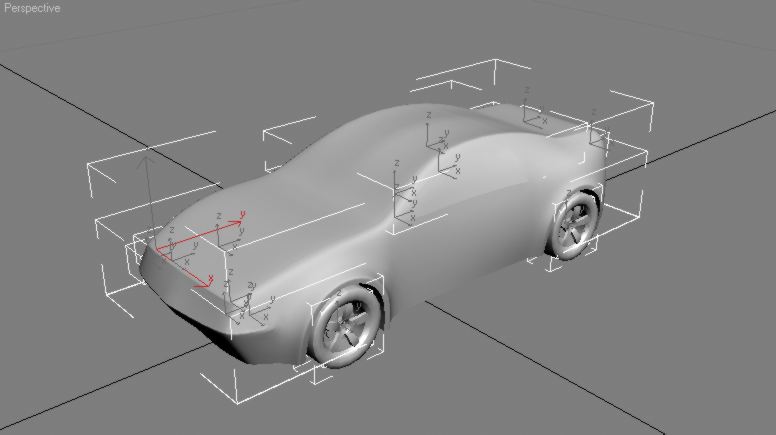
The 3D Model
Here, I provide you an example of a functioning .3ds model.
The downloaded file can be copied to your game, as is (to see how it looks in game).
Within the zip folder is 'MainBodyHigh.3ds'. I placed it here, just to make the transfer easy (the game does not require the 3ds file to be here). Open the zip folder and copy the .3ds file from the zip folder, to a folder on your computer.
Import the 'MainBodyHigh.3ds' file into 3D software.
Note: after importing (into 3D Max) the transform (xform) of all of the objects reset. With the objects from this model, the reset only affects the taillights. You will have to turn the taillights around (180* on x,y) before exporting.